
How to create this video
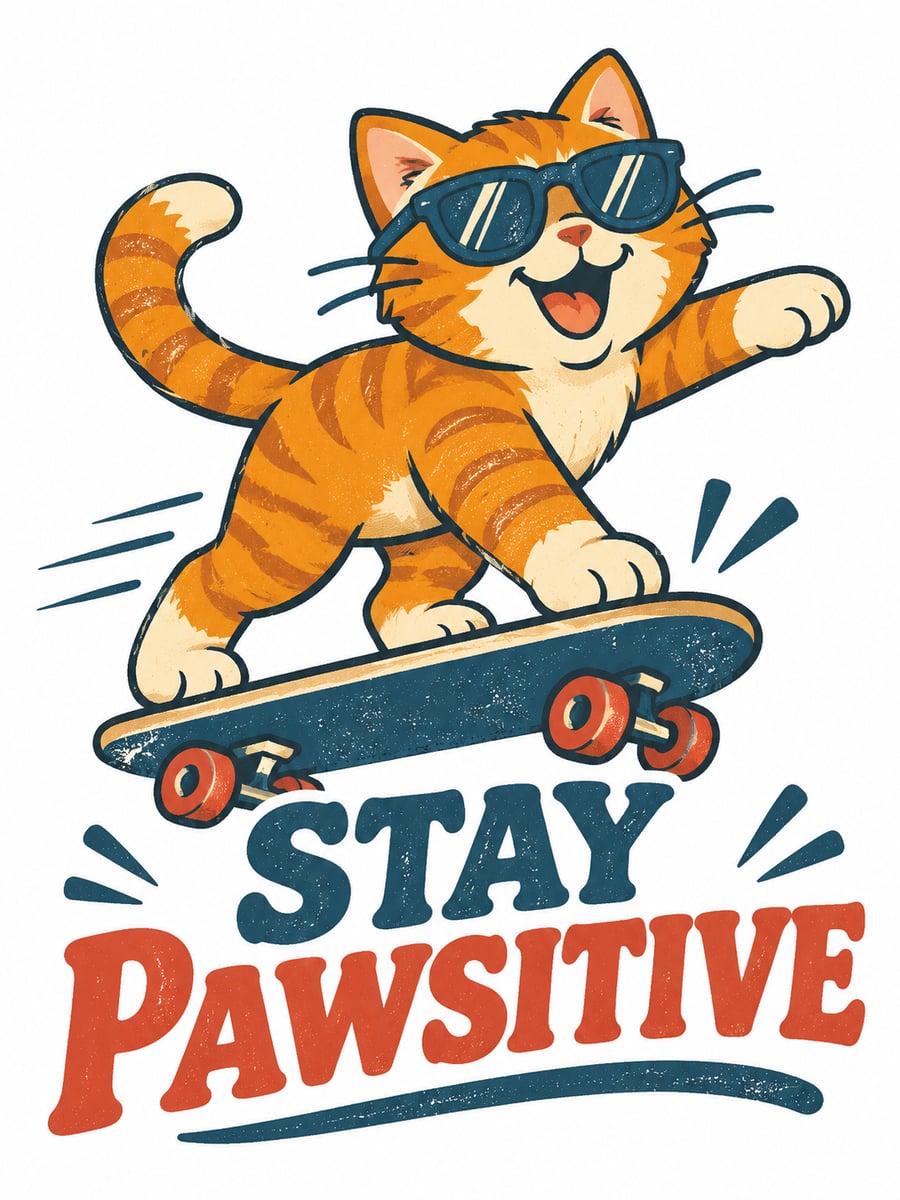
- 01Describe the graphicSay what the drawing shows, for example “a happy orange cat riding a skateboard”, in up to 200 characters.
- 02Add your sloganType the exact words for the design, up to 40 characters; short slogans print best.
- 03Pick a style and createChoose Graphic, Retro badge or Minimal, select Create image, then download the result from Library.
What makes a good T-shirt graphic?
Shirt graphics are usually printed with screen printing or direct-to-garment methods, which favor bold shapes, a limited palette and clear lettering over tiny detail. That is why the three styles here stay simple: a five-color flat illustration, a distressed retro badge and single-weight line art. You describe the subject and type the slogan; the AI draws a new, original graphic rather than copying an existing shirt.
Also searched as: AI t shirt design maker, t shirt design generator AI, text to t shirt design AI, AI shirt design, tshirt design AI, t shirt graphic generator AI, vintage t shirt design generator, t shirt artwork generator.
Which T-shirt design style fits my idea?
Graphic is a bold, flat vector-style illustration in about five colors with a light screen-print texture, good for characters and jokes. Retro badge wraps the subject in a 1970s sunset emblem with distressed texture and curved lettering, good for travel, outdoors and vintage looks. Minimal draws the idea in thin black line art with one small red accent, good for quiet, clean designs.
Photo tips
- One clear subject per design
- Short slogans, up to 40 characters, spell best
- The graphic comes on a plain white background
- Check the slogan spelling on the result before printing
- Use your own ideas; no brand names or logos
Effect details
- Input
- No photo; a description plus a slogan
- Output
- One original graphic on white
- Styles
- Graphic, retro badge or minimal
- Aspect ratio
- 3:4 portrait
- Resolution
- 1K
- Cost
- First image free with a watermark, then 20 credits
- Failed job
- Credits or the free image returned
Frequently asked questions
Your first image on LeafReel is free, so your first result costs nothing and carries a LeafReel watermark. Buy any credit pack and that same image unlocks as the original file without the watermark. Each image after that costs 20 credits.
Type what the graphic should show, add the exact slogan you want printed, choose a style and select Create image. The AI draws a new design from your words; no photo and no prompt skills are needed.
No. The design is generated on a plain white background as a 3:4 image at 1K. For dark shirts or print-on-demand upload, remove the white background in an editor first, and ask your printer about the resolution they need.
Yes, that is the intent: the graphic is a single self-contained design, not a shirt mockup. Download the image and give it to a print shop or a print-on-demand service; check their size and resolution requirements first.
The recipe is built to reproduce your slogan exactly, and short all-caps slogans come out best. Still, AI lettering can slip, so read every word on the result and generate again if a letter is wrong.
Yes. Put the wording in the slogan field and describe a simple subject, or ask for lettering-focused decoration in the description. Minimal style gives the cleanest text-led result.
No. Use your own original ideas. Logos, brand names and protected characters do not belong in a design you plan to sell, and the recipe asks for original artwork.
Neither. LeafReel generates the printable graphic only, on a plain background. There is no physical printing service and no model wearing the shirt.
Each T-shirt design costs 20 credits after your free image. The $9.90 One Video pack has 600 credits, enough for 30 images; on Pro each works out to about $0.17.
A failed T-shirt design job returns its 20 credits automatically, or, if it was your free image, you can try again for free.