
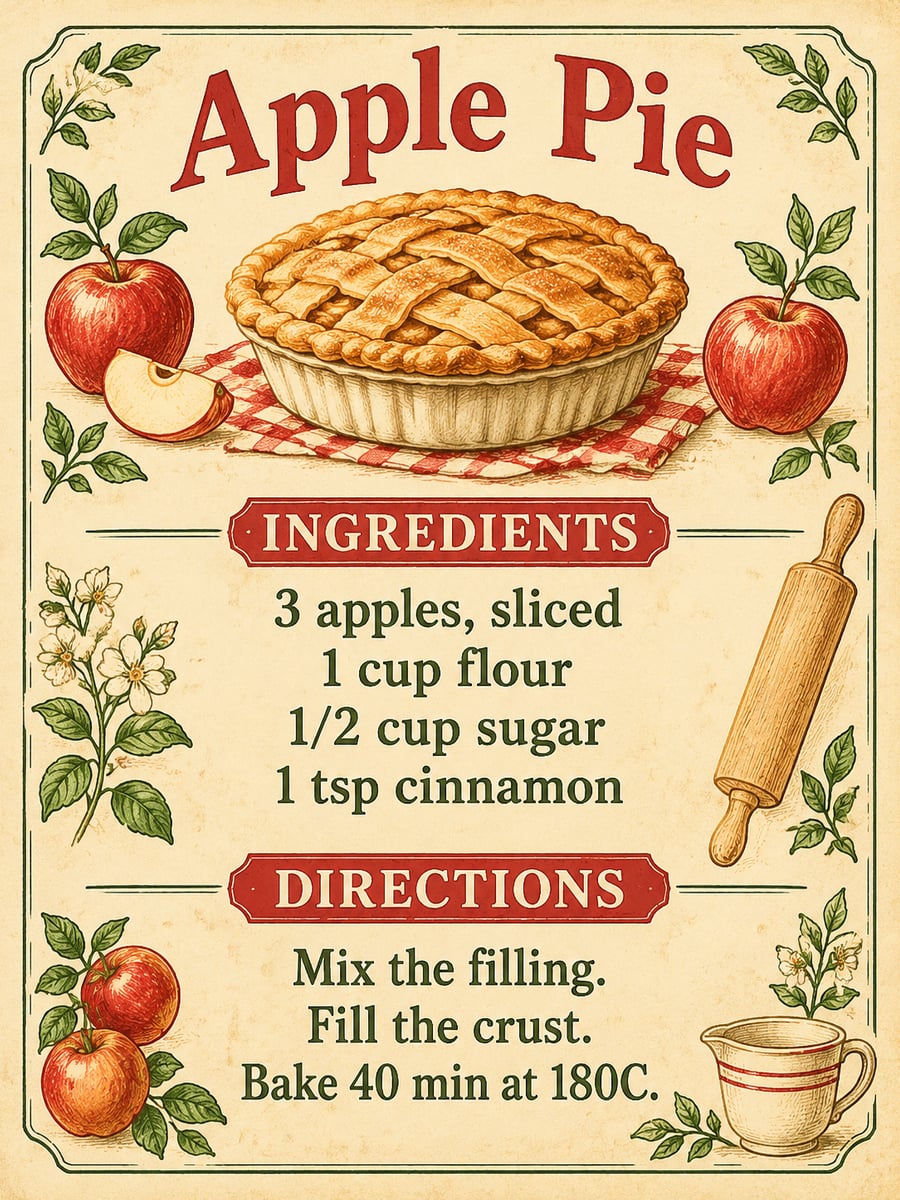
How to create this video
- 01Type the dish nameFor example “Apple Pie”. This becomes the large title on the card.
- 02Paste ingredients and stepsOne ingredient or step per line, with amounts included, exactly as you want them printed.
- 03Choose a style and createVintage gives aged paper and cookbook illustrations; Cute gives pastel colors and a smiling dish. Download from Library.
What is a recipe card for?
A recipe card keeps one dish on a single page: the name, the ingredients with amounts and the steps, small enough to keep in a kitchen drawer or hand to a friend. Family recipes often survive on handwritten cards, and a clear layout matters more than decoration when you are mid-recipe with flour on your hands. This generator formats the recipe you type into that card; it does not invent new recipes or nutritional advice.
Also searched as: recipe card maker, recipe card generator, recipe card creator, AI recipe card, vintage recipe card template, cute recipe card designs, custom recipe cards, make your own recipe cards.
How much recipe text fits on one card?
About four to six ingredient lines and three to five short steps fit comfortably at 3:4. Longer recipes shrink the type and make spelling slips more likely, so keep each line short and split a big recipe into two cards, such as one for the crust and one for the filling. Always read the finished card against your original recipe.
Photo tips
- One ingredient or step per line
- Include amounts in each ingredient line
- Keep steps short; split long recipes into two cards
- Check every word against your recipe before printing
- No photo needed; the dish illustration is drawn for you
Effect details
- Input
- No photo; dish, ingredients and steps
- Output
- An illustrated recipe card
- Styles
- Vintage cookbook or cute pastel
- Aspect ratio
- 3:4 portrait
- Resolution
- 1K
- Cost
- First image free with a watermark, then 20 credits
- Failed job
- Credits or the free image returned
Frequently asked questions
Your first image on LeafReel is free, so your first result costs nothing and carries a LeafReel watermark. Buy any credit pack and that same image unlocks as the original file without the watermark. Each image after that costs 20 credits.
Type the dish name, paste your ingredients one per line with amounts, add your steps one per line, choose Vintage or Cute and select Create image. The AI formats your exact text as an illustrated card.
No. This page formats a recipe you already have. It does not invent dishes, calculate nutrition or give dietary advice, so bring a recipe you trust.
The image is a 3:4 portrait at 1K, not a fixed 4x6 or 5x7 template. You can print it at a size that fits the ratio, or place it on a 4x6 canvas in an editor; check readability before printing a batch.
That is what the recipe is built to do, and short lines come out best. AI lettering can still slip, so compare every line with your original before sharing or printing the card.
Not as a separate field on this page. If you want a credit line, add a short line such as “From Grandma Rosa” at the end of your steps and check it on the result.
No photo is needed or used: the AI draws an illustration of the dish from its name. For a realistic photo card, edit your own photo onto the downloaded image in an editor.
No. Each card is a finished image. To change the wording, edit your text on the page and generate a new card; after your free image, each card costs 20 credits.
Each recipe card costs 20 credits after your free image. The $9.90 One Video pack has 600 credits, enough for 30 images; on Pro each works out to about $0.17.
A failed recipe card job returns its 20 credits automatically, or, if it was your free image, you can try again for free.