
How to create this video
- 01Upload one photoAdd a clear photo of one adult with the face fully visible.
- 02CreateSelect Create image; there is nothing to type or choose.
- 03Download and shareOpen Library to download your bangs photo.
What are bangs?
Bangs are the front part of the hair cut to fall over the forehead; in British English they are called a fringe. Common styles include blunt bangs cut straight across, wispy bangs and curtain bangs, which part in the middle and frame the face. A bangs filter lets you preview the look before a haircut.
Also searched as: bangs filter, bangs filter online, what would I look like with bangs free, see yourself with bangs, add bangs to photo, curtain bangs filter, virtual bangs try on, fringe filter.
What kind of bangs does it add?
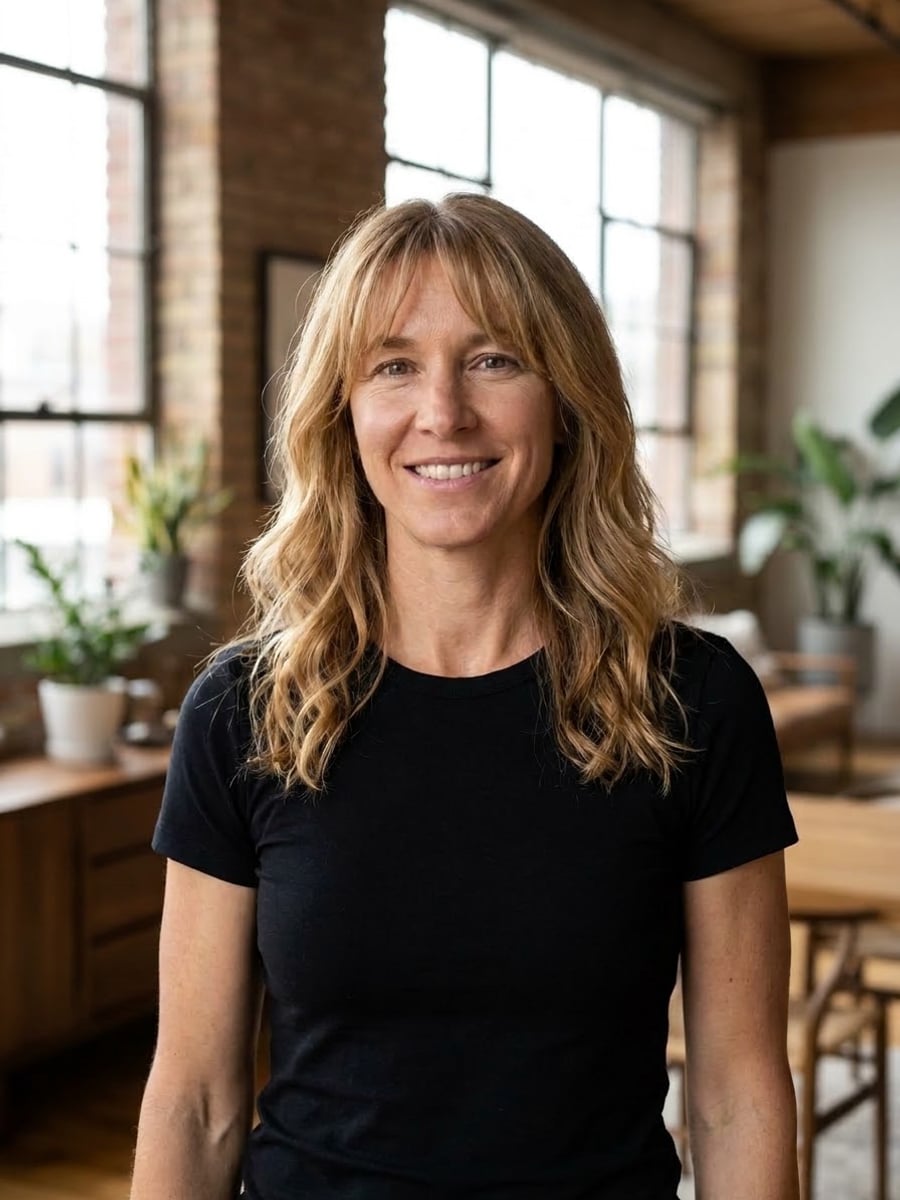
It adds soft curtain bangs, the most flattering style for most face shapes: parted gently in the middle, falling across the forehead and framing the face, cut from your own hair in the same color and texture. The rest of your hairstyle, your face and the photo stay unchanged.
Photo tips
- One adult, forehead and hairline visible
- Hair pulled back is fine; the AI adds the fringe
- Good light shows the cut best
- Front-facing photos work best
- Use photos of yourself or adults who agreed
Effect details
- Input
- 1 photo of one adult
- Output
- The same photo with curtain bangs
- Aspect ratio
- 3:4 portrait
- Resolution
- 1K
- Cost
- First image free with a watermark, then 20 credits
- Failed job
- Credits or the free image returned
Frequently asked questions
Your first image on LeafReel is free, so your first result costs nothing and carries a LeafReel watermark. Buy any credit pack and that same image unlocks as the original file without the watermark. Each image after that costs 20 credits.
Upload one clear photo and select Create image. The AI adds curtain bangs in your own hair color and keeps the rest of the photo.
Not on this page; it always adds curtain bangs. For six complete hairstyles, try the [AI Hairstyle Changer](/image-effects/ai-hairstyle-changer).
No. The face, expression, pose, clothes, background and light stay as in your photo; only the one feature you are trying on changes.
The preview shows how bangs look on your own face, which is the easiest way to decide. Talk to a stylist before cutting.
Yes, the bangs follow your own hair texture, so curly hair gets curly bangs. Very short cuts may look less natural.
Only of adults who agreed. Photos of children, celebrities or people who did not consent are not allowed, and results must not be used to mock or harass anyone.
LeafReel does not grant or guarantee commercial rights to results. You keep the rights you already hold in your photo; before selling or advertising with the image, check the model terms and get written permission from the person shown.
Each bangs photo costs 20 credits after your free image. The $9.90 One Video pack has 600 credits, enough for 30 images; on Pro each works out to about $0.17.
A failed bangs job returns its 20 credits automatically, or, if it was your free image, you can try again for free.