
How to create this video
- 01Upload one photoAdd a clear head-and-shoulders photo of one adult with the face fully visible.
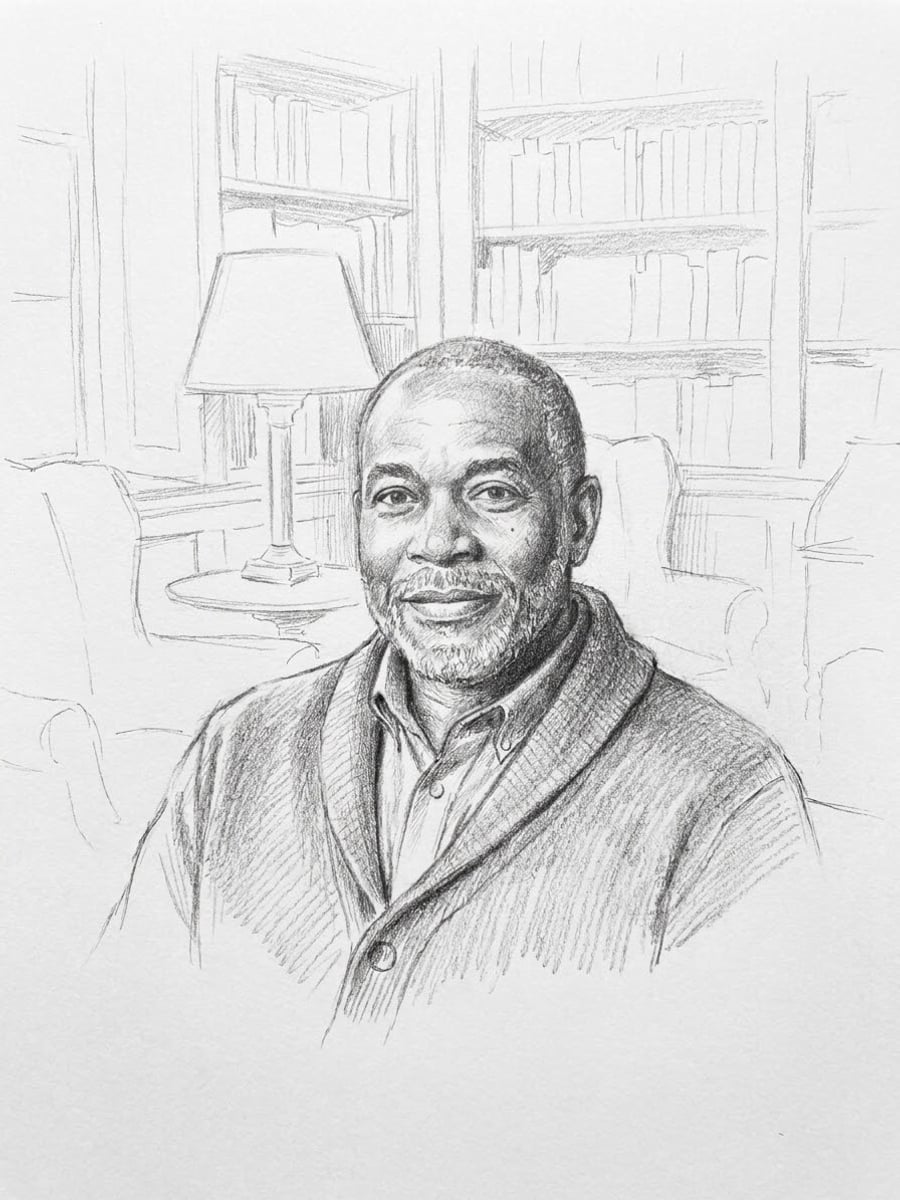
- 02Choose sketch or line drawingPencil sketch adds graphite shading; Line drawing keeps only clean black outlines.
- 03Create and downloadSelect Create image, then download the drawing from Library to frame, print or trace.
What is the difference between a sketch and a line drawing?
A sketch is a quick, freehand drawing that builds form with shading and loose strokes, while a line drawing uses only outlines, with no shading or tone. Artists use sketches to study light and volume, and line drawings to capture shape cleanly. LeafReel offers both: Pencil sketch for tone and texture, Line drawing for crisp contours that also work as line art.
Also searched as: photo to sketch converter, photo to sketch online free, photo to sketch AI, photo to line drawing, photo to line art, photo to line art converter, turn my picture into a sketch, pencil sketch from photo, picture to drawing.
Should I choose Pencil sketch or Line drawing?
Choose Pencil sketch for a portrait that looks hand-drawn in graphite: soft tonal shading, visible pencil strokes, light cross-hatching and edges that fade into textured white paper. Choose Line drawing for thin, even black ink outlines of the face, hair and clothing on pure white, with no shading, gray or background, which is easier to trace, engrave or color in. Both keep the facial features, hairstyle and age from the photo.
Photo tips
- One adult, head and shoulders, face fully visible
- Side light gives the pencil sketch more depth
- Plain backgrounds give cleaner line drawings
- Sharp photos keep fine details like eyelashes
- Use photos of yourself or adults who agreed
Effect details
- Input
- 1 photo of one adult
- Output
- A black-and-white drawn portrait
- Styles
- Pencil sketch or line drawing
- Aspect ratio
- 3:4 portrait
- Resolution
- 1K
- Cost
- First image free with a watermark, then 20 credits
- Failed job
- Credits or the free image returned
Frequently asked questions
Your first image on LeafReel is free, so your first result costs nothing and carries a LeafReel watermark. Buy any credit pack and that same image unlocks as the original file without the watermark. Each image after that costs 20 credits.
Upload one clear photo, choose Pencil sketch and select Create image. The AI redraws the photo as a graphite portrait with soft shading and visible strokes on textured paper.
Upload one clear photo and choose Line drawing: the result is thin black outlines on pure white with no shading or background, which works as simple line art for tracing, engraving or crafts.
No. You download a 3:4 PNG image at 1K. For cutting machines or laser engraving, trace it into a vector in your design software first.
You can, but the [Photo to Coloring Page](/image-effects/photo-to-coloring-page) effect is made for it: bolder closed outlines, open areas to fill and a decorated background.
Yes. Both styles keep the facial features, hairstyle and age, and the pose and expression from the photo. A sharp, well-lit photo gives the most faithful drawing.
Only of adults who agreed. Photos of children, celebrities or people who did not consent are not allowed, and results must not be used to mock or harass anyone.
LeafReel does not grant or guarantee commercial rights to results. You keep the rights you already hold in your photo; before selling or advertising with the image, check the model terms and get written permission from the person shown.
Each sketch costs 20 credits after your free image. The $9.90 One Video pack has 600 credits, enough for 30 images; on Pro each works out to about $0.17.
A failed sketch job returns its 20 credits automatically, or, if it was your free image, you can try again for free.