
How to create this video
- 01Upload one photoAdd a clear photo of one adult with the face fully visible; simple poses color best.
- 02Choose Simple or DetailedSimple has bold lines and big areas; Detailed has fine lines, patterns and flowers.
- 03Create and printSelect Create image, download the page from Library and print it on letter or A4 paper.
What does a photo to coloring page generator do?
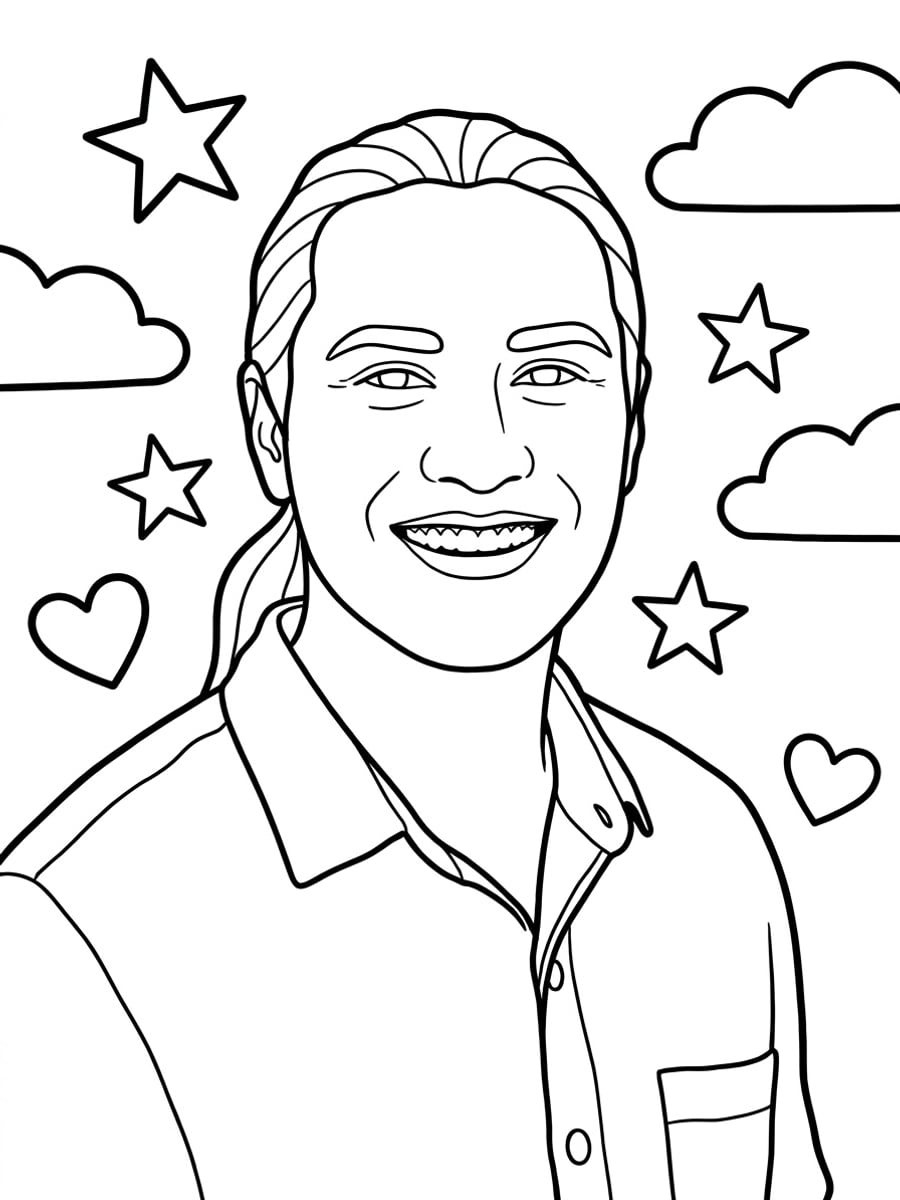
A photo to coloring page generator redraws a photo as black outlines on white, turning the person and background into closed, empty shapes to fill with color. Unlike a simple edge filter, which traces every contrast line, the AI decides which lines to keep, closes the shapes and leaves out shadows. A good coloring page has clean black outlines, closed shapes and open white areas, with no shading, gray or solid black, so every part can be filled with color. Coloring books have been printed since the 1880s, and adult coloring books with detailed patterns became bestsellers in the 2010s. The Simple style follows kids’ coloring books; the Detailed style follows adult coloring patterns.
Also searched as: photo to coloring page free, photo to coloring page AI, photo to coloring page converter, photo to coloring page generator, turn my picture into a coloring page, turn my picture into a coloring page free, picture to coloring page, custom coloring page from photo.
Should I choose Simple or Detailed?
Choose Simple for young children or quick crayon fun: bold, thick outlines, large open areas and a few stars, clouds and hearts around the person. Choose Detailed for teens and adults who enjoy patient coloring: fine outlines, decorative patterns inside the clothing and hair, and a background of flowers, leaves and swirls. Both keep the face shape, hairstyle and expression, with every area closed and empty.
Photo tips
- One adult, face clearly visible
- Simple poses make cleaner outlines
- Plain clothing leaves room for patterns
- Print on thick paper for markers
- Use photos of yourself or adults who agreed
Effect details
- Input
- 1 photo of one adult
- Output
- A black-and-white printable coloring page
- Styles
- Simple (kids) or detailed (adults)
- Aspect ratio
- 3:4 portrait
- Resolution
- 1K
- Cost
- First image free with a watermark, then 20 credits
- Failed job
- Credits or the free image returned
Frequently asked questions
Your first image on LeafReel is free, so your first result costs nothing and carries a LeafReel watermark. Buy any credit pack and that same image unlocks as the original file without the watermark. Each image after that costs 20 credits.
Upload one clear photo, choose Simple or Detailed and select Create image. The AI redraws the photo as black outlines on white with closed, empty areas, ready to print and color.
Yes. Download the 3:4 PNG from Library and print it on letter or A4 paper; it fits with small margins. The file is an image, not a PDF.
Each image makes one page. Create one page per photo and print them together to make your own coloring book.
No. LeafReel only accepts photos of adults. Children can color the pages, but the photo must show an adult who agreed, such as a parent, a teacher or a grandparent.
This page is designed for portraits of one adult. Other subjects may work but are not guaranteed, and a failed job returns its credits.
A coloring page uses bolder closed outlines and adds decorative background elements to fill. For a plain portrait outline, use the line drawing style on [Photo to Sketch](/image-effects/photo-to-sketch).
LeafReel does not grant or guarantee commercial rights to results. You keep the rights you already hold in your photo; before selling or advertising with the image, check the model terms and get written permission from the person shown.
Each coloring page costs 20 credits after your free image. The $9.90 One Video pack has 600 credits, enough for 30 images; on Pro each works out to about $0.17.
A failed coloring page job returns its 20 credits automatically, or, if it was your free image, you can try again for free.