
How to create this video
- 01Pick a cover styleChoose Fashion for a studio beauty cover or Business for a sharp office profile.
- 02Upload a portrait and type a headlineAdd a sharp photo of one person, then type your cover headline, up to 40 characters.
- 03Create and downloadSelect Create image, then open Library to download your cover.
What goes on a magazine cover?
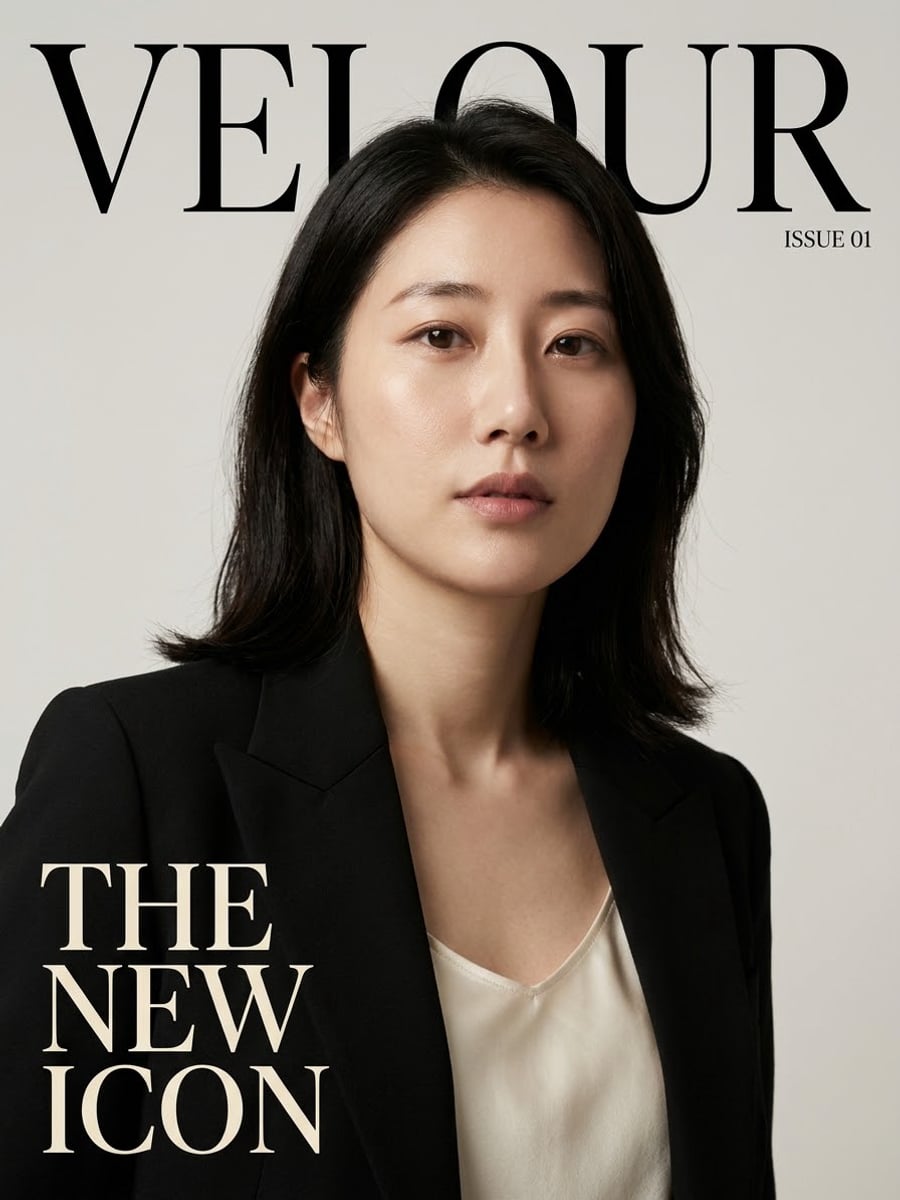
A magazine cover is built from a few fixed parts: the masthead, or title, across the top; one cover star photographed for the issue; a large cover line that names the main story; and smaller details such as the issue number. The AI Magazine Cover Generator places you as the cover star and prints your headline as the main cover line on a fictional magazine.
Also searched as: magazine cover maker, AI magazine cover, fake magazine cover generator, put your face on a magazine cover, turn my photo into a magazine cover, magazine cover generator free.
Which magazine cover style should I choose?
Fashion dresses you in an elegant tailored outfit in a clean studio with soft beauty lighting, under the serif masthead VELOUR. Business puts you in a modern suit in a glass office with a city view, arms crossed, under the bold masthead ASCENT. Both covers print your headline at the lower left and "Issue 01" at the top right.
Photo tips
- One person, face clearly visible
- Short headlines of two to five words print most cleanly
- Check the spelling of your headline before you create
- Clothes come from the cover style, not from your photo
- The magazines are fictional; no real magazine names or barcodes
Effect details
- Input
- 1 portrait photo and your headline
- Looks
- Fashion or Business
- Aspect ratio
- 3:4 portrait
- Resolution
- 1K
- Cost
- First image free with a watermark, then 20 credits
- Failed job
- Credits or the free image returned
Frequently asked questions
Your first image on LeafReel is free, so your first AI magazine cover costs nothing and carries a LeafReel watermark. Buy any credit pack and that same cover unlocks as the original file without the watermark. Each cover after that costs 20 credits.
Open the AI Magazine Cover Generator, pick Fashion or Business, upload one portrait, type your headline and select Create image. The AI keeps your face and builds the cover photo, masthead and layout around you.
Yes. Type any headline up to 40 characters and the AI prints it as the main cover line. Short headlines in plain words come out most reliably; if a letter is wrong, try again or shorten it.
No. The covers use fictional mastheads, VELOUR and ASCENT, and carry no barcode, so they cannot be mistaken for a real magazine issue.
Yes, the face, skin tone, hair color and age come from your photo. A sharp, well-lit photo with the whole face visible gives the closest likeness.
A personal magazine cover with a headline such as "Class of 2026" or "40 and Fabulous" is a popular gift idea; download the 1K image to share it or send it in a card.
Each cover costs 20 credits after your free image. The $9.90 One Video pack has 600 credits, enough for 30 covers; on Pro each works out to about $0.17.
Yes, if that friend agrees to their photo being used. Children need a parent’s or guardian’s permission, and photos of celebrities are not allowed.
A failed magazine cover job returns its 20 credits automatically, or, if it was your free image, you can try again for free.