
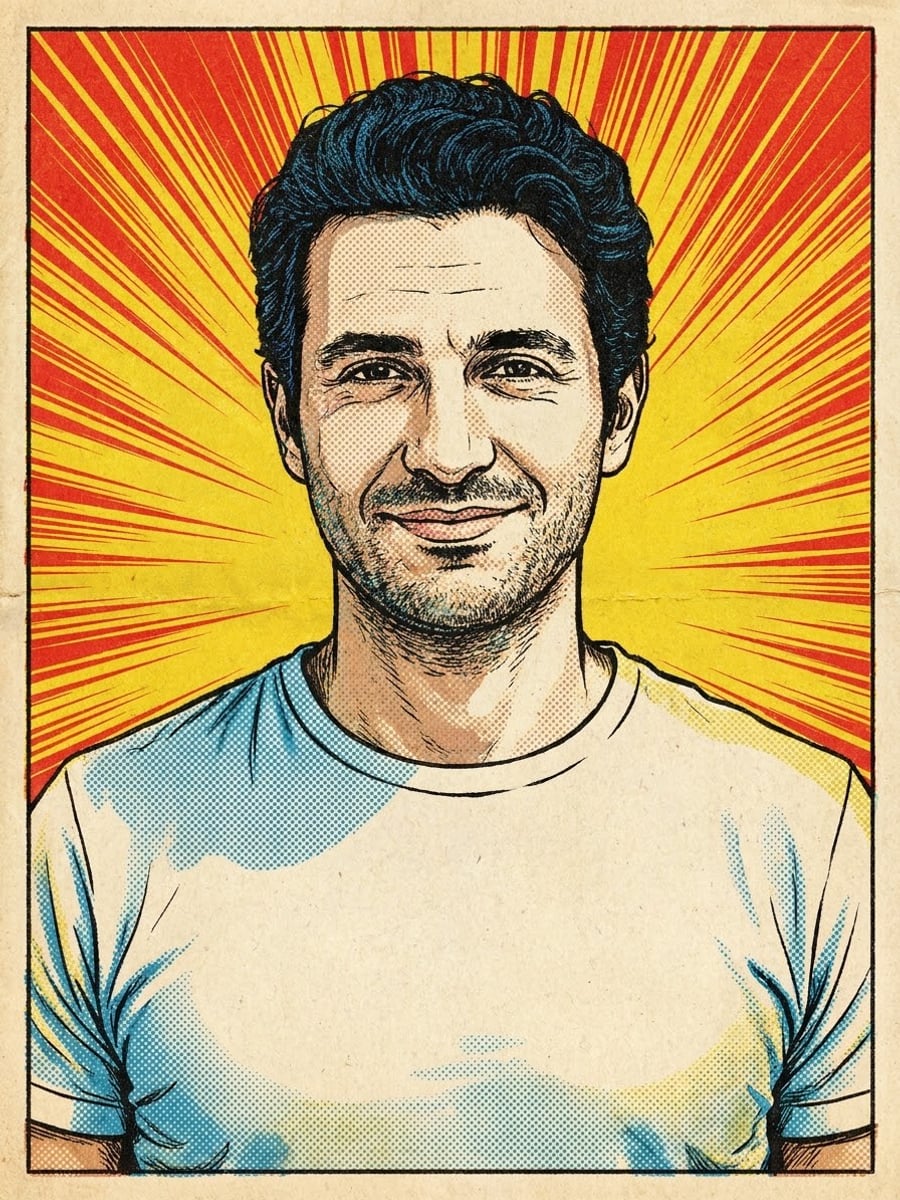
How to create this video
- 01Upload one photoAdd a clear photo of one adult; strong poses and expressions make the best panels.
- 02Choose a comic styleClassic gives a vintage comic with halftone dots; Modern gives a graphic novel look with detailed ink.
- 03Create and downloadSelect Create image, then download your comic panel from Library and add your own caption if you like.
What is a comic book filter?
A comic book filter is an AI effect that redraws one photo as a single comic panel, with inked outlines, flat or halftone color and a printed-page texture, while keeping the same person and pose. It restyles one image; it does not write a story or lay out a multi-panel comic. Vintage comic books look dotted because printers built their colors from small dots, a technique known as the Ben-Day process, named after illustrator Benjamin Day in 1879. Cheap newsprint and four-color presses made the dots visible, and they became the signature texture of mid-century comics and later pop art. The Classic style recreates those halftone dots, bold outlines and limited primary colors from your photo.
Also searched as: comic book filter for photos, comic book filter online, comic book filter free, photo to comic book art, photo to comic book style, turn me into a comic book character, comic effect photo, comic style portrait.
What is the difference between Classic and Modern comic styles?
Classic redraws the photo as a 1960s vintage comic panel with bold black outlines, visible halftone dots, bright primary colors, yellowed newsprint texture and radiating action lines. Modern redraws it as a graphic novel panel with detailed ink linework, cross-hatched shadows, rich digital color, strong rim light and a city street at dusk. Both keep the same person, pose and expression, and neither adds speech bubbles or text.
Photo tips
- One adult, face clearly visible
- Dramatic poses and expressions make better panels
- Strong side light suits the Modern style
- Add speech bubbles afterwards on the meme page
- Use photos of yourself or adults who agreed
Effect details
- Input
- 1 photo of one adult
- Output
- One comic book panel, no text
- Styles
- Classic vintage comic or modern graphic novel
- Aspect ratio
- 3:4 portrait
- Resolution
- 1K
- Cost
- First image free with a watermark, then 20 credits
- Failed job
- Credits or the free image returned
Frequently asked questions
Your first image on LeafReel is free, so your first result costs nothing and carries a LeafReel watermark. Buy any credit pack and that same image unlocks as the original file without the watermark. Each image after that costs 20 credits.
Upload one clear photo, choose Classic or Modern and select Create image. The AI redraws the photo as a single comic panel with the same person, pose and expression.
This filter leaves the panel without text. To add a speech bubble with your own words, use the [Speech Bubble Meme Generator](/image-effects/speech-bubble-meme-generator), which has a comic style too.
No. The Comic Book Filter makes one comic-style image from one photo. It does not write stories or lay out several panels or pages.
No. The panel keeps your own clothes and does not copy named characters or publishers. For an original hero suit, try the [AI Superhero Generator](/image-effects/ai-superhero-generator).
Yes. Both styles keep the facial features, skin tone, hair color and age; only the drawing technique changes. Sharp, well-lit photos keep the likeness strongest.
Only of adults who agreed. Photos of children, celebrities or people who did not consent are not allowed, and results must not be used to mock or harass anyone.
LeafReel does not grant or guarantee commercial rights to results. You keep the rights you already hold in your photo; before selling or advertising with the image, check the model terms and get written permission from the person shown.
Each comic panel costs 20 credits after your free image. The $9.90 One Video pack has 600 credits, enough for 30 images; on Pro each works out to about $0.17.
A failed comic job returns its 20 credits automatically, or, if it was your free image, you can try again for free.